No AI required
No external APIs, prompts, credits, or third-party dependencies.
Smart ALT Context by Webby helps you generate structured alt text from your image filename, post title, category, and custom keyword rules — without relying on AI or external services.
No external APIs, prompts, credits, or third-party dependencies.
Use real WordPress content signals to build cleaner alt text.
Process older media in batches without overwriting existing alt text.
Supports more consistent descriptive text and decorative image control.
Writing alt text manually across a growing media library takes time, and generic filename-based output often creates weak descriptions. Smart ALT Context was built to make this workflow more consistent inside WordPress.
Set your preferred rules once, then generate alt text where it makes sense in your workflow.
Enable the elements you want the plugin to use, including image filename, post title, category, and a custom keyword.
Control maximum words, maximum characters, ignored words, decorative terms, and batch size from one settings area.
Use automatic generation for new uploads, manual suggestions for individual cases, or batch processing for older images.
Smart ALT Context keeps the process simple: understand what is missing, configure the rules, and generate alt text with more control.
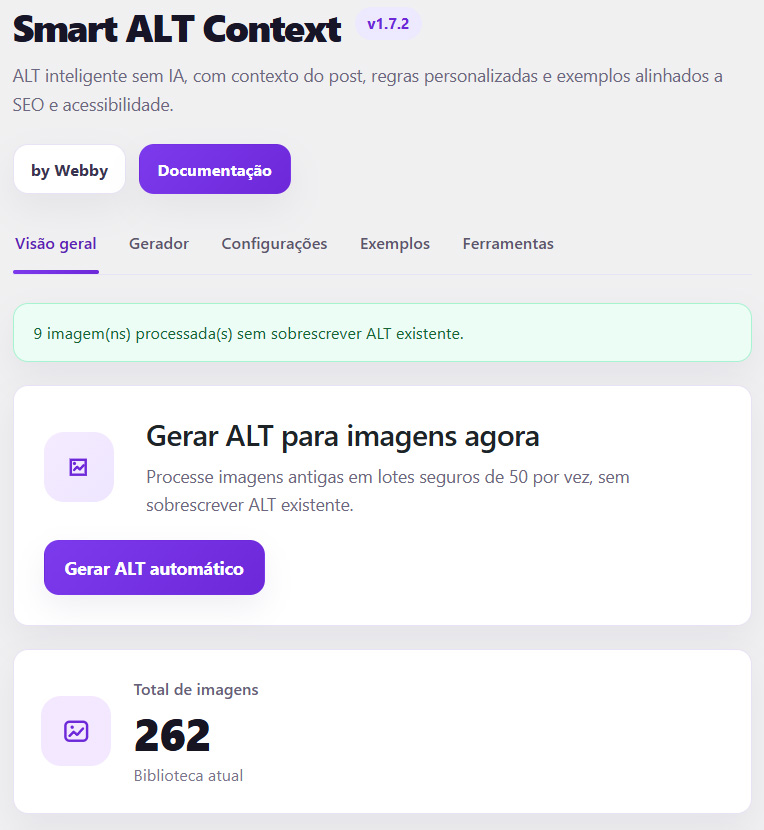
Track how many images already contain alt text and how many still need attention.
Preview and refine generated alt text before applying it in more sensitive cases.
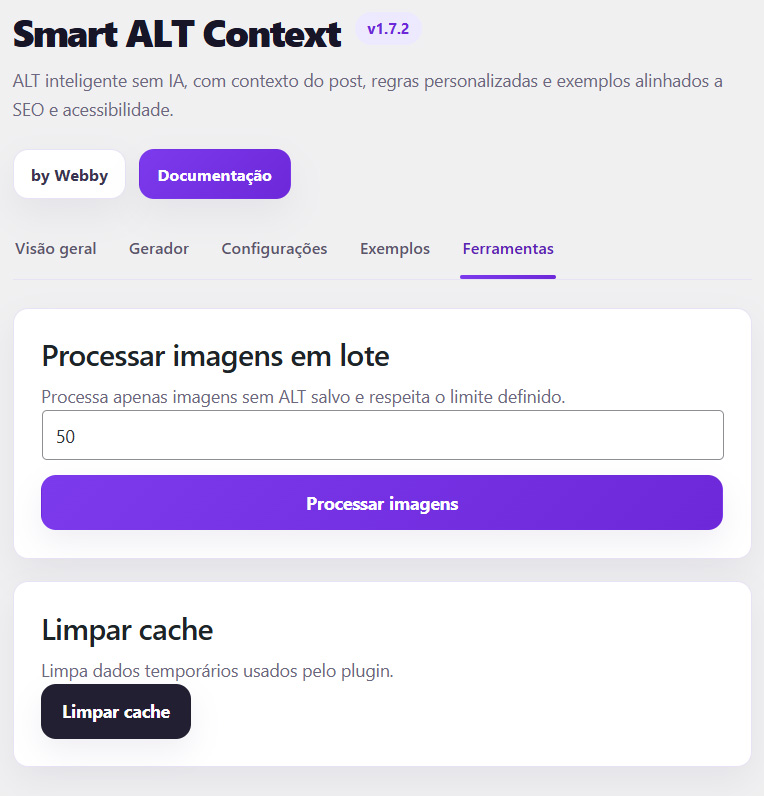
Process older images in smaller groups for easier review and safer execution.
Everything is designed to keep the workflow structured, predictable, and easy to manage.
Generate alt text for newly uploaded images using the rules defined in your plugin settings.
Create a suggested alt text for a specific image based on the selected rule combination.
Apply generated alt text only on display when the saved alt field is empty.
Use the related post or page title as part of the generation logic.
Include category information to help align output with the type of content.
Add a defined keyword as an additional contextual signal when needed.
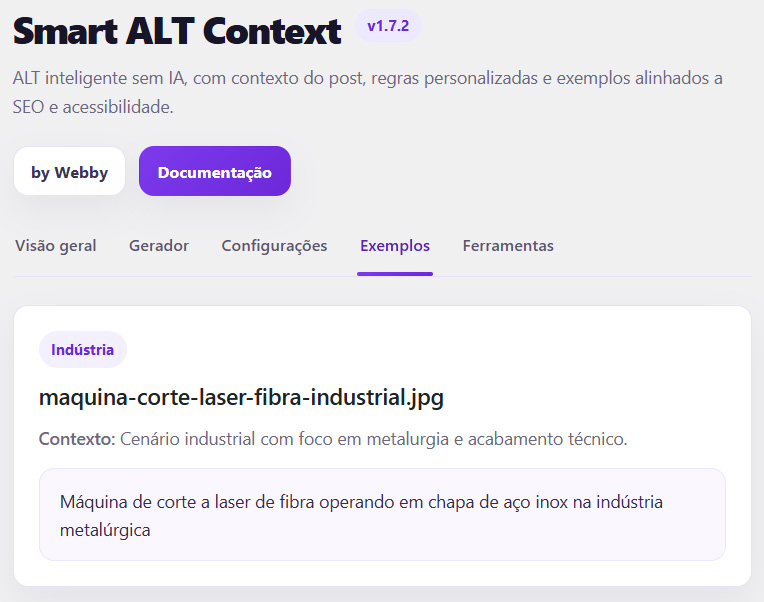
Filter common file-name terms such as image, photo, screenshot, cover, or banner.
Skip files that are likely decorative, such as icons, dividers, arrows, or background assets.
Set how many images are processed per run to better match your site workflow.
Define maximum word count and maximum character length for cleaner output.
Avoid replacing alt text that has already been written and saved.
Remove stored plugin settings when uninstalling, if you want a cleaner reset.
Smart ALT Context works well for sites that need consistency across many pages, posts, and media assets without introducing external complexity.
Helps standardize image alt text generation across client sites while keeping the workflow simple and repeatable.
Supports content-heavy websites that upload images regularly and need a more structured media workflow.
Makes it easier to improve media libraries that already contain large numbers of legacy uploads.
Smart ALT Context by Webby was developed by Murillo Rennó as a practical solution for improving image alt text generation inside WordPress using contextual rules instead of external AI services.
The plugin was created to support cleaner SEO workflows, more consistent accessibility practices, and easier media maintenance for WordPress websites.
No. The plugin generates alt text based on configurable contextual rules such as filename, post title, category, and custom keyword support.
No. Existing alt text is preserved and not replaced by the plugin.
Yes. The plugin includes a batch processing tool for existing media library images.
Yes. You can define both maximum word count and maximum character length in the settings.
The plugin can skip files that match decorative patterns such as icons, dividers, arrows, or background assets.
Yes. The manual generator lets you choose a rule and preview a suggested alt text.
No. It can generate alt text on upload, via manual generation, through frontend fallback, and in batch processing for older images.
No. The plugin works without external APIs or third-party AI providers.
Yes. There is an option to delete stored plugin settings during uninstall.
Smart ALT Context by Webby helps you create context-based alt text without AI, using a workflow that is easier to manage and safer to review.